The v0.3.0-beta is almost ready for release — Stay tuned!


The Fastest Way to Create Beat Videos — No Cloud, No Credits.
Turn your audio into share-ready videos in just a few clicks. Perfect for social media.
Join
Windows
Packed with features
Quick rendering
Beatshare renders videos locally on your device, ensuring significantly faster performance.
Live editor
You can enable live editing to see and adjust how your video will look.
Multiple styles
We are constantly adding new styles you can pick and choose from for your videos.
Bulk upload
Upload multiple audio files at once. No premium subscription needed.
Free to use
Rendering videos with BeatShare is free.
Unlimited videos
You can render as many videos as you like.
No watermark
The rendered videos will not have any watermarks.
No transcoding
Beatshare will not downgrade the quality of the audio file.
GIF support
Create motion in your videos by adding gifs as your primary image.
Vertical aspect ratio
Use the vertical aspect ratio to create videos that fit TikTok, Shorts, Reels etc.
Create in just four steps

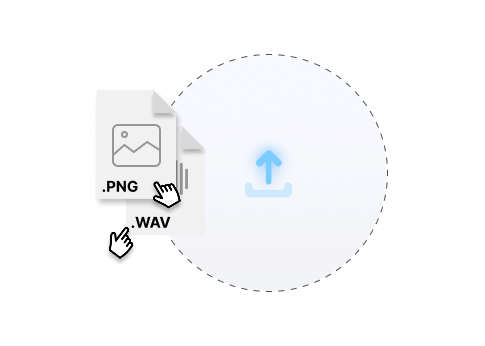
Upload files
Upload the audio files you want to generate videos for.
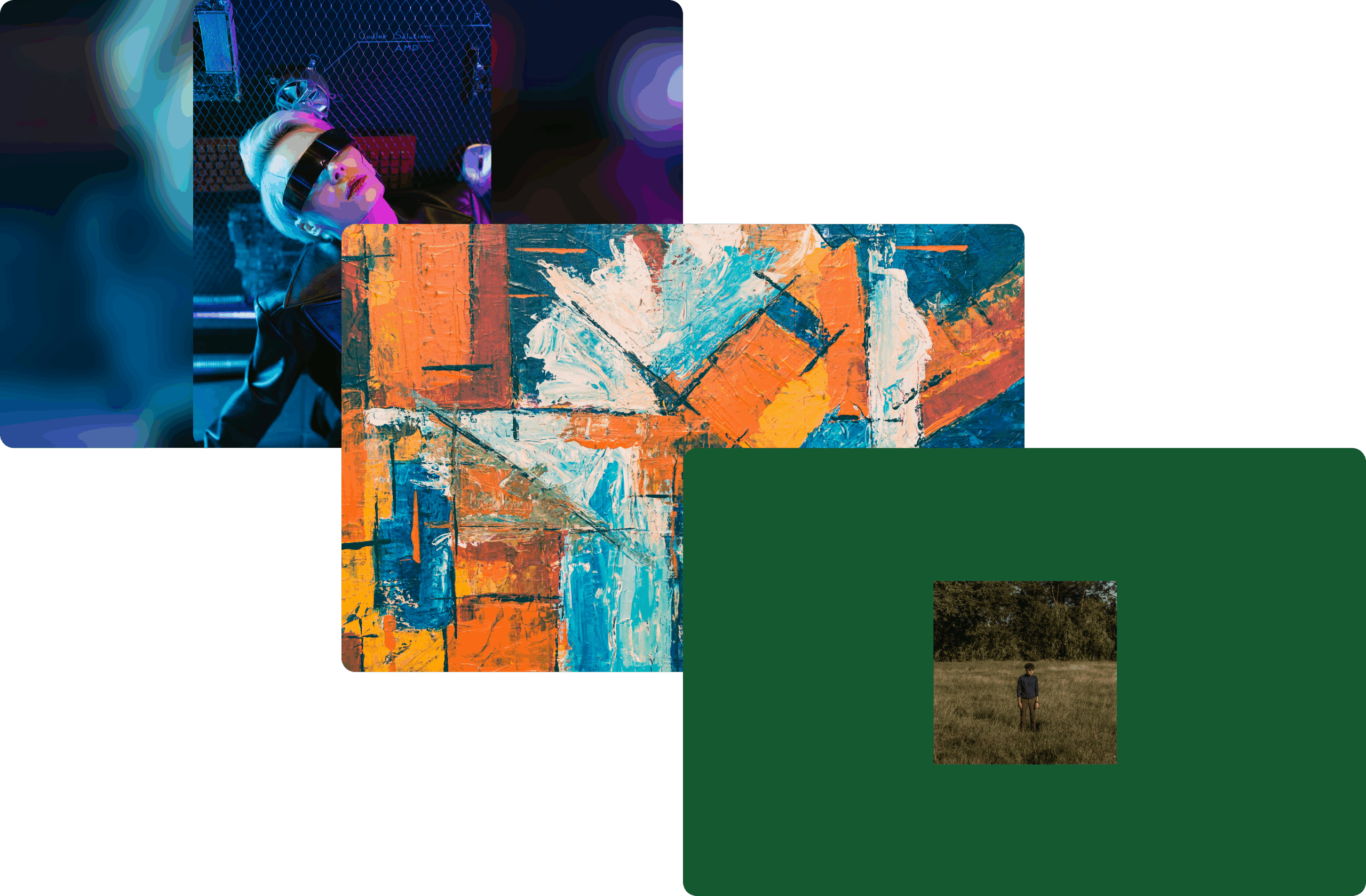
Pick a style
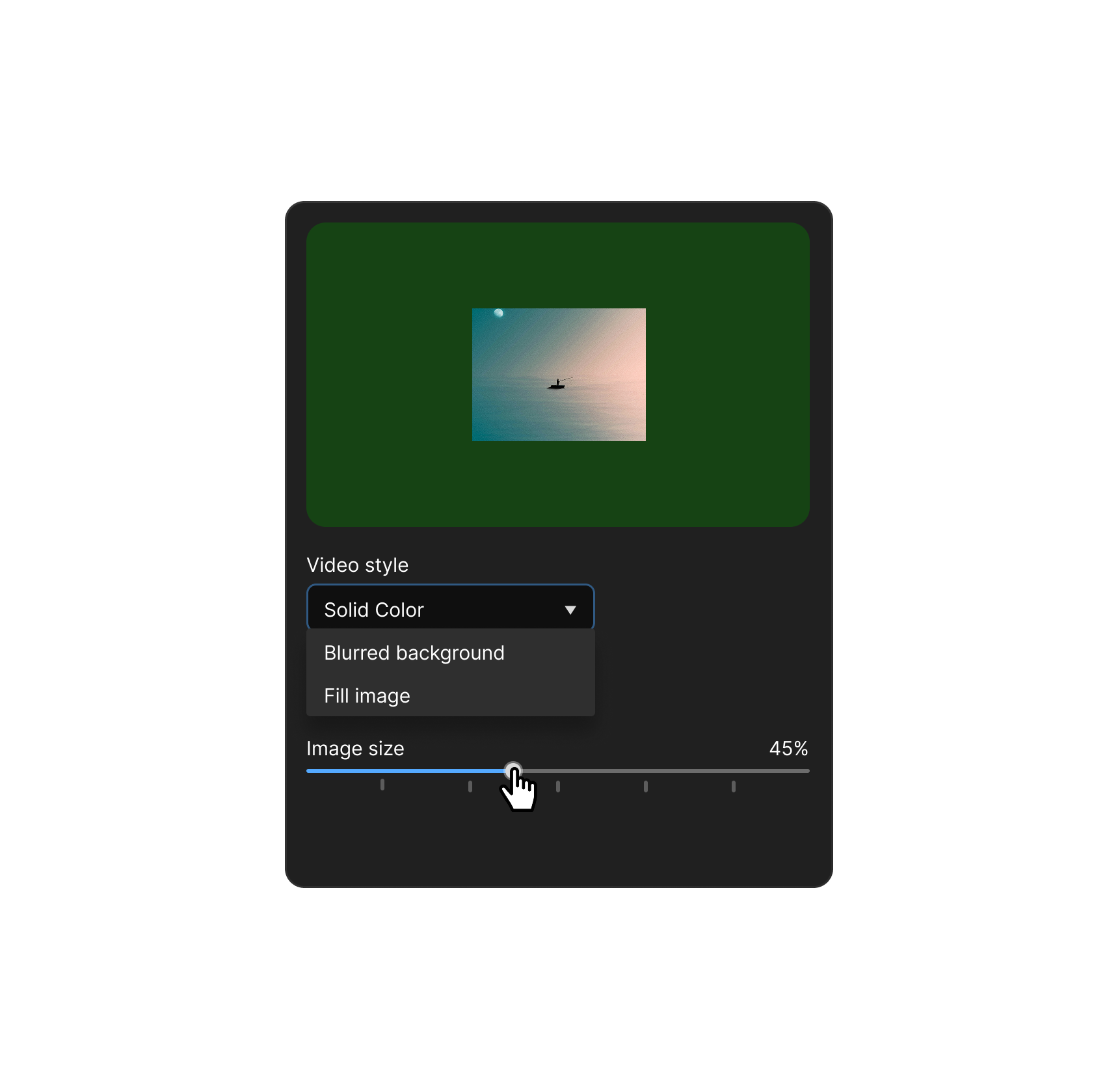
Find the style that fits your artistic preference. Choose between blurred background, filled or solid color.
Customize with the Live Editor
You can adjust the styles to your preference and preview the result in the live editor. This way, you can make sure the video looks exactly how you want it before rendering it.
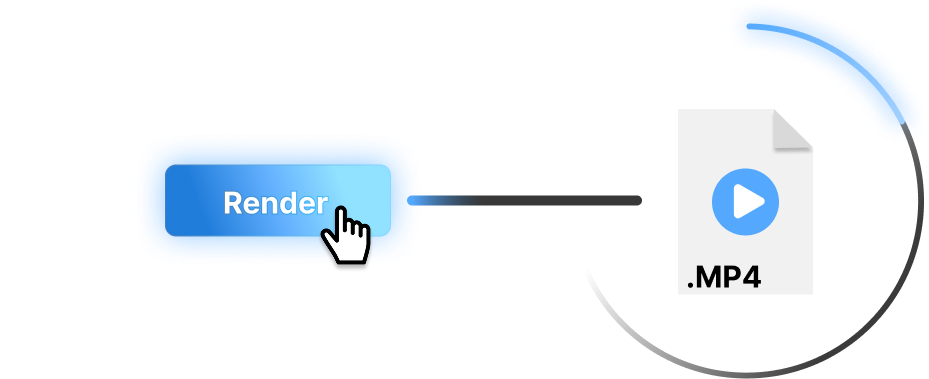
Render
Whenever you’re ready, render one or multiple videos at once. Within seconds you will have created videos for your audio files.
Turn your tracks into visuals within seconds
Create vertical videos — Perfect for TikTok, Reels & Shorts
Upload your audio track alongside any image to generate an MP4 video pre-formatted in the standard 9:16 aspect ratio. The application processes both files and delivers a high-quality video that is ready to upload directly to mobile platforms like TikTok, Instagram Reels, and YouTube Shorts.
Add motion with animated GIFs
You can choose to upload an animated GIF instead of a static image file. The tool automatically synchronizes the GIF with your audio, looping the animation continuously so that the visual motion persists from the very beginning to the end of the final video file.
All that for the price of $0
Download beatshare — It’s free
Ready to hand over the video creation work?
Support the project
I want to keep beatshare free to use while continuing to build new features. If the tool has saved you time or helped you share your audio, consider buying me a coffee to help cover server costs and support development. Every coffee helps! :)
Don’t want to miss out?

Sign up to the newsletter
Get updates about new releases directly to your inbox
Not interested anymore? Unsubscribe
Roadmap
Upload to YouTube
You should be able to upload your videos to YouTube directly from BeatShare.
Coming in v0.3.0-beta
Portrait mode
Create videos with portrait mode, perfect for Reels, TikTok and Shorts.
Released in v0.2.0-beta
Saved default styles
Saved templates will save you time by setting a default template for each video, which you have defined.
Upload templates
Automatically fill out descriptions, titles and tags for your direct uploads.
Add overlays
Add even more spice to your videos with overlays of particles, smoke or other cool visual effects.
Custom watermark
Add a custom watermark to your videos to make your videos feel branded.
Responsive visualizer
Give your videos more “umpf”-factor with a responsive visualizer that bounces with the kickdrum or bass.
GIF support
Expand your output options by generating lightweight, looping GIFs. A seamless way to turn static visuals into eye-catching motion content without the overhead of a full video file.
Released in v0.2.0-beta
FAQ
Is beatshare free to use?
Yes. beatshare is built on the belief that creative tools should be accessible to everyone. Enjoy unlimited video rendering and direct uploads completely free of charge. :)
Are there any watermarks on the videos?
The rendered videos will not have any watermarks placed on them.
Why is it a software?
Video rendering is a resource-intensive task. To keep beatshare free and accessible to everyone, we’ve designed our software to perform all rendering locally on your machine. This decentralized model eliminates the need for costly server-side processing, allowing us to focus our resources on building better features rather than managing infrastructure costs.
How do I download beatshare?
You can download beatshare by clicking 'Download' in the topbar menu.
Will you support macOS?
macOS support is planned in the future. However, as of right now, we are currently not able to support it.
Will you support Linux?
We are currently building and testing the application on Linux. Release is yet to be determined.
How does beatshare render videos?
beatshare uses ffmpeg to render videos. Ffmpeg is a multimedia tool that enables you to render videos by typing commands into a command-line. All our video styles are created by generating dynamic ffmpeg commands.
What are the hardware requirements?
beatshare's core function, video rendering, is highly CPU-intensive. For the fastest performance and to prevent slowdowns during processing, we strongly recommend a modern processor with multiple cores (Quad-Core or better). Users with capable CPUs will experience significantly shorter rendering times.
Minimum requirements
Operating System: Windows 10 (64-bit).
Processor (CPU): A Dual-Core processor (e.g., Intel Core i3 or AMD Ryzen 3 equivalent) released within the last 5-7 years.
Memory (RAM): 8 GB.
Graphics (GPU): Integrated graphics (e.g., Intel UHD Graphics / AMD Radeon Graphics).
Storage: 500 MB of free space (SSD or HDD).
Recommended requirements
Operating System: Latest version of Windows 11.
Processor (CPU): A Quad-Core (4 cores) or better processor (e.g., Intel Core i5/i7 or AMD Ryzen 5/7 equivalent) released within the last 3-5 years.
Memory (RAM): 16 GB or more.
Storage: SSD (Solid State Drive).
Graphics (GPU): Dedicated graphics card (e.g., NVIDIA GeForce RTX, AMD Radeon RX, or Intel Arc).
Who maintains beatshare?
beatshare is built and maintained by a solo developer, Mads, in his free time. Combining a background as a software developer with a passion for music, the project is driven purely by personal passion
As a result, new features, bug fixes, and releases will be rolled out gradually throughout the year. Thank you for your support and patience as the project grows!